PERSONAL TV. BIG-SCREEN ENERGY.
Your Tunarr.
Your Roku.
Bring your own channels to the big screen. Rokarr connects to your Tunarr server with a colorful program guide and live playback, all from your Roku remote.
Explore the guideYour own channels require a Tunarr server and media.
THE GUIDE, REIMAGINED
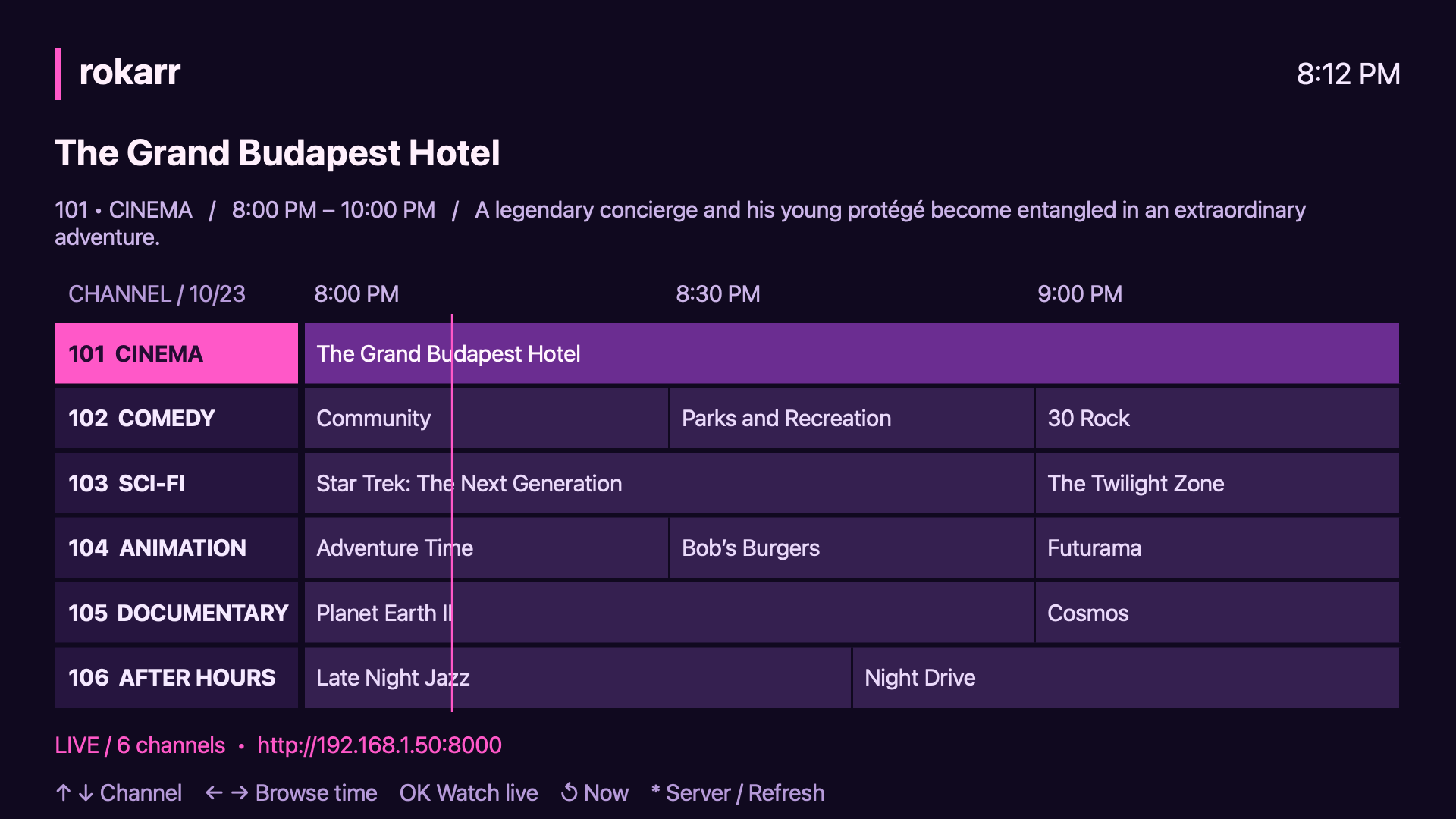
What’s on? It’s all right here.
A familiar TV guide.
A little more neon.
See what’s coming.
Explore channel schedules, airtimes, and program descriptions. Jump back to now with Instant Replay.
Pick a channel. Tune in.
Press OK to start the channel live. Press Back to return to your guide and find something else.
Your server, remembered.
Enter your Tunarr address once. Change it in the app whenever you need to, and refresh your lineup with the remote.
BRING YOUR OWN BROADCAST
Built for your
home lineup.
Rokarr is a player for your existing Tunarr setup. Want to look around first? Choose Try demo in the app to explore a public test channel without a server. Demo playback requires internet access; guide times are illustrative.
- 01
Build your lineup in Tunarr.
Set up your server, add your media, and schedule your channels.
- 02
Connect Rokarr.
Open the Roku app and enter the server address reachable on your home network.
- 03
Make yourself comfortable.
Browse the guide and watch live. Listings refresh automatically as your schedule changes.
NEED A HAND?
Let’s get you tuned in.
Questions about Rokarr, setup, or privacy? Get in touch.